Control Your TV
From Your Phone
Set limits. Block apps. Instantly.
Keep your child's TV under control for the price of a cup of coffee a month.
7-day free trial · then from $2.99/month · cancel anytime
No ads. We don't sell your data. · Pricing
Install the app on your Android TV or Google TV — then control it from the Guardian app on your phone.
How It Works
Two Apps. One System.
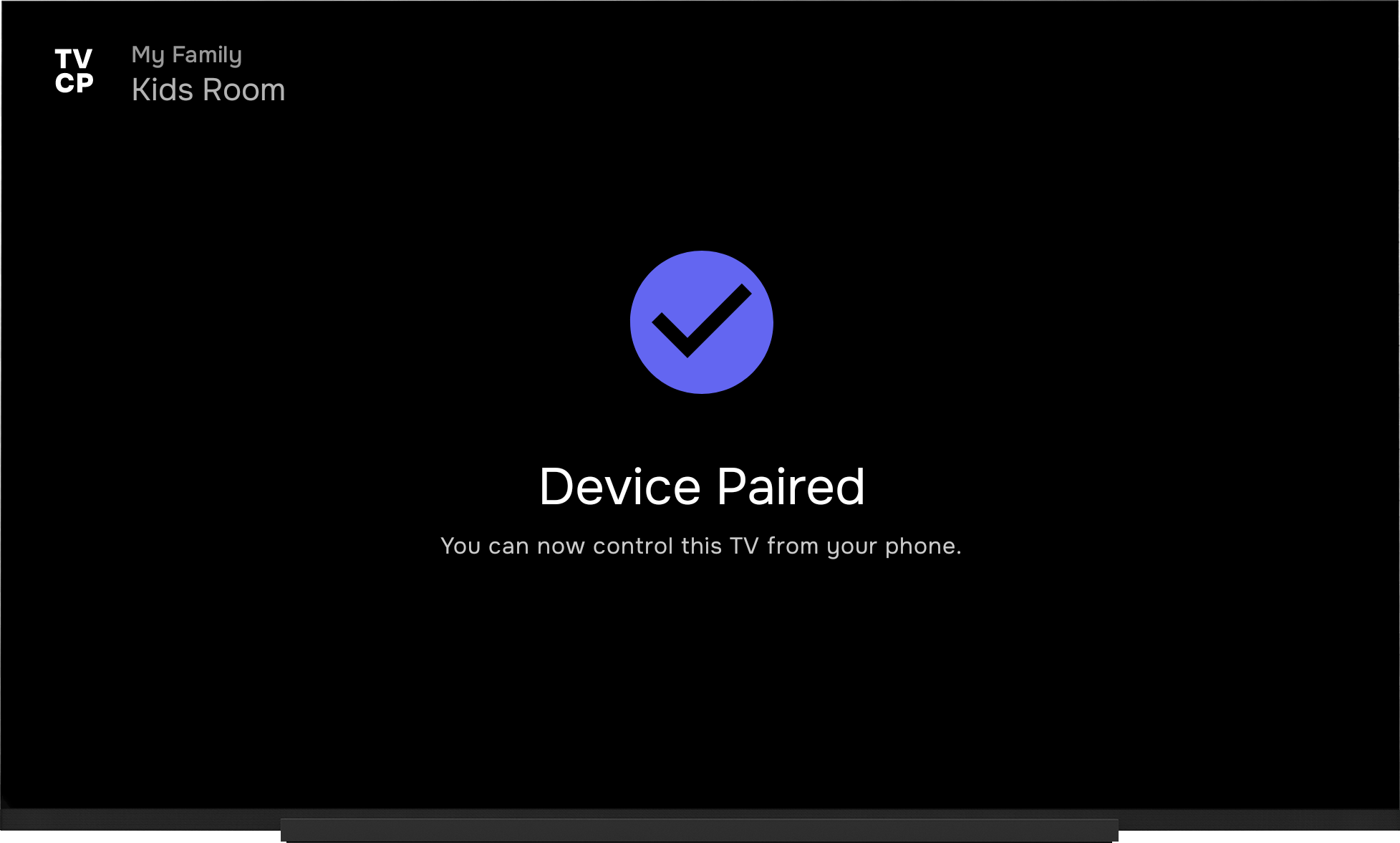
One app on your phone, one on the TV. Your phone is the remote control — the TV enforces your rules.
TVCP App
Lives on the TV. Enforces your rules — locks the screen, blocks apps, runs timers. Kids can't bypass it.
Guardian App
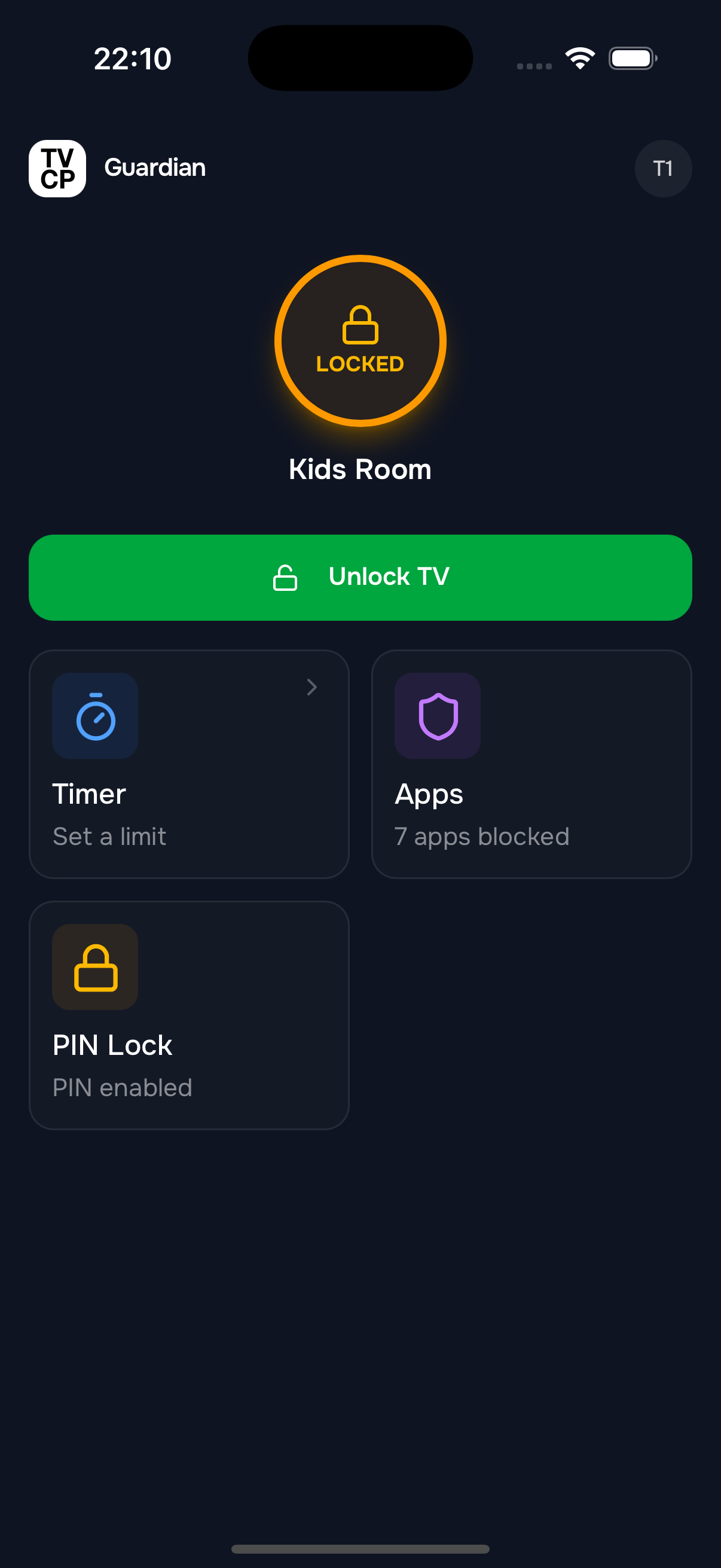
Your remote control. Set screen time limits, block apps, and lock the TV — from anywhere.
Install TVCP on your Android TV from the Play Store
Install Guardian on your phone & scan the QR code
Control the TV remotely — rules apply instantly
Features
Everything You Need
Take full control of your child's TV experience with powerful, easy-to-use parental controls.
Set a Viewing Schedule
Different rules for weekdays and weekends
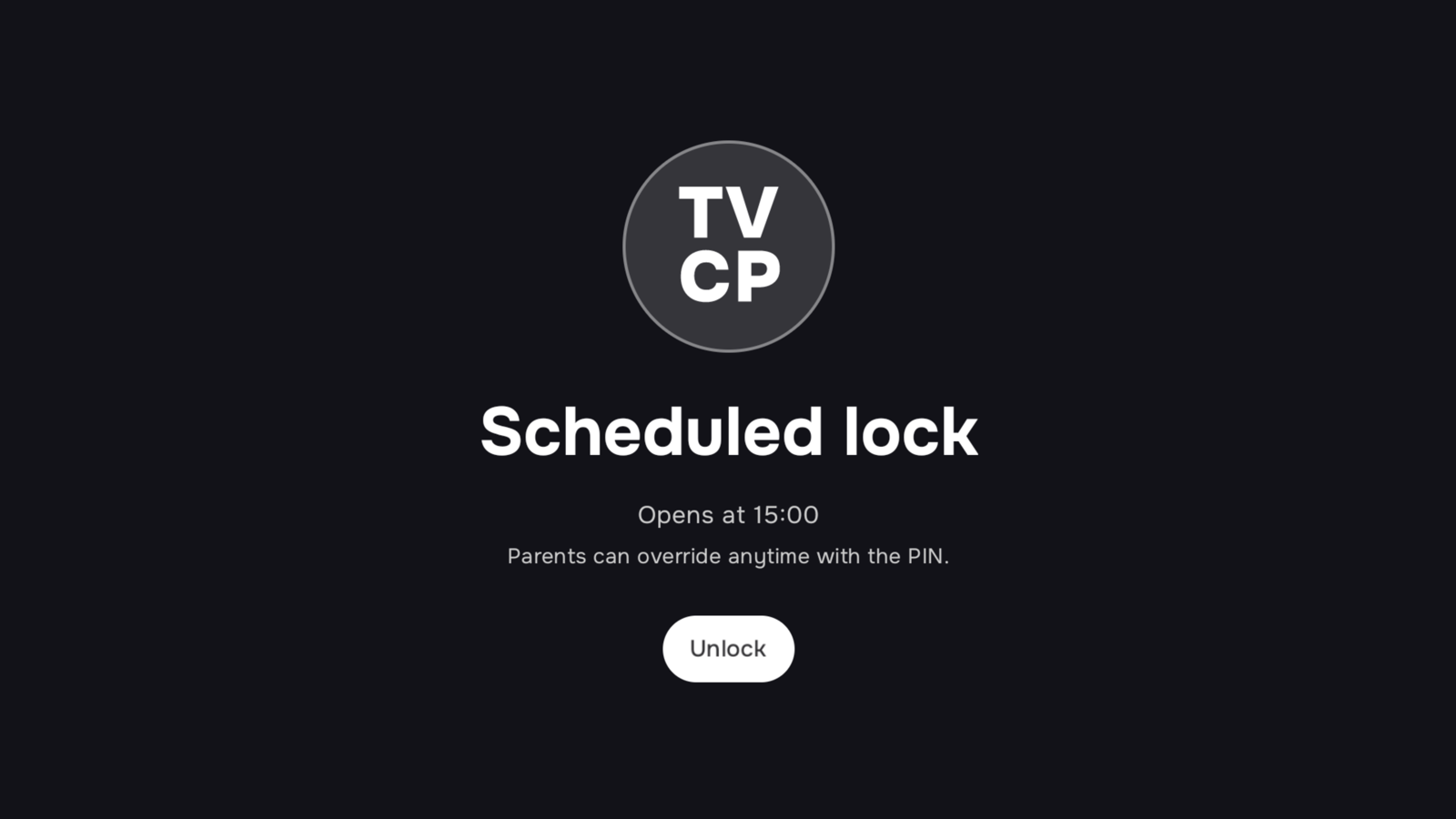
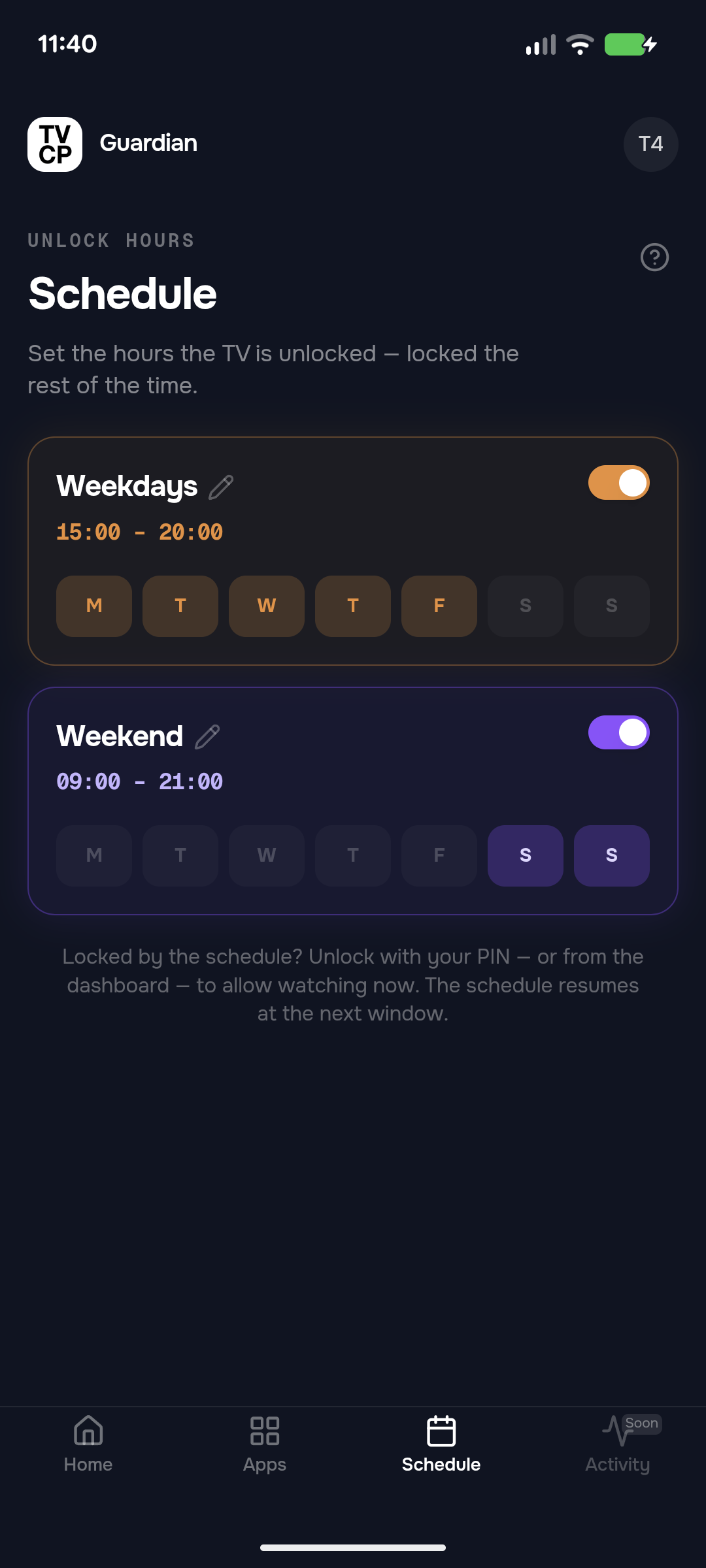
Set the hours the TV is allowed and when it locks, straight from your phone. Give weekdays and weekends their own rules — set it once and the TV keeps to it.
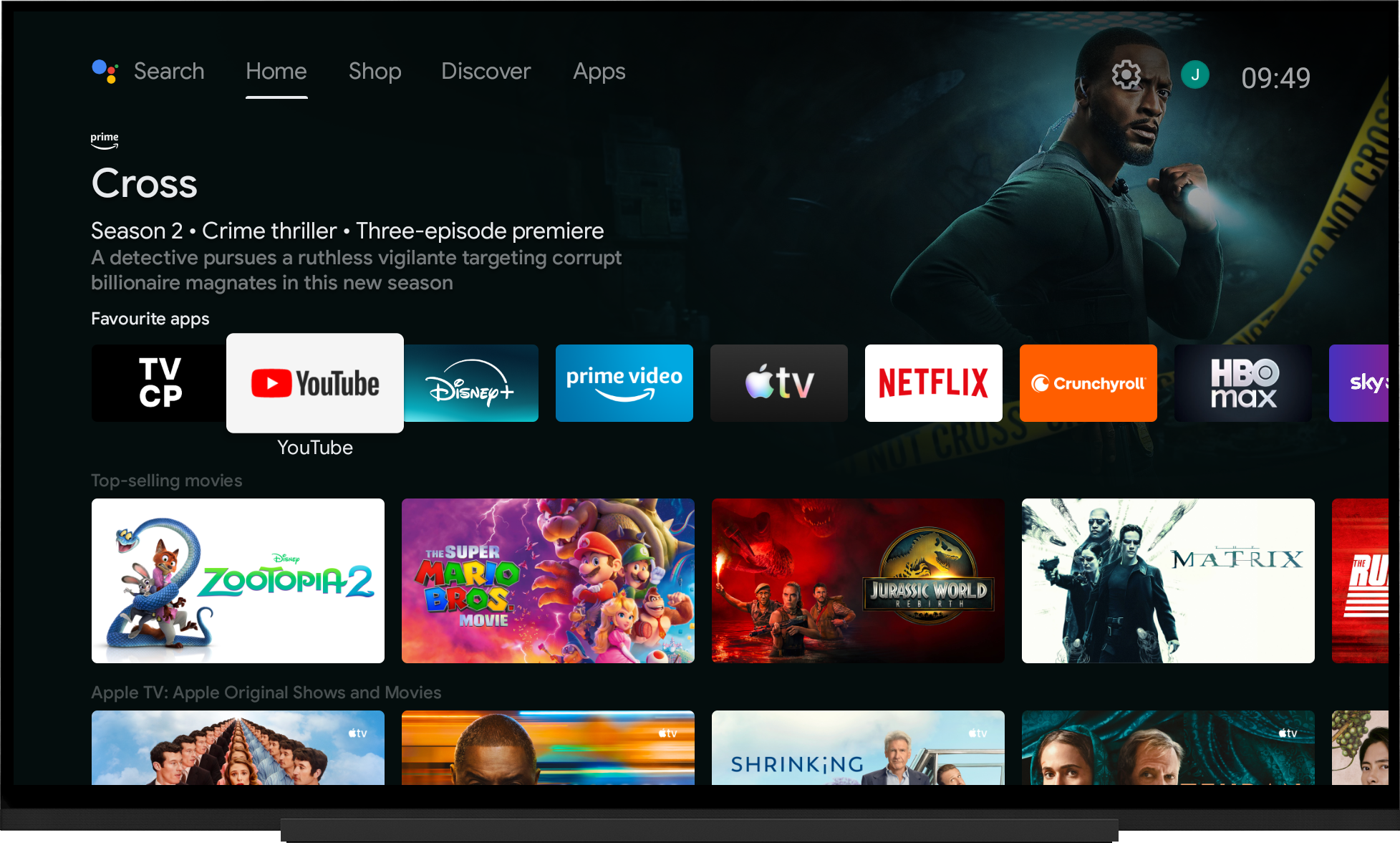
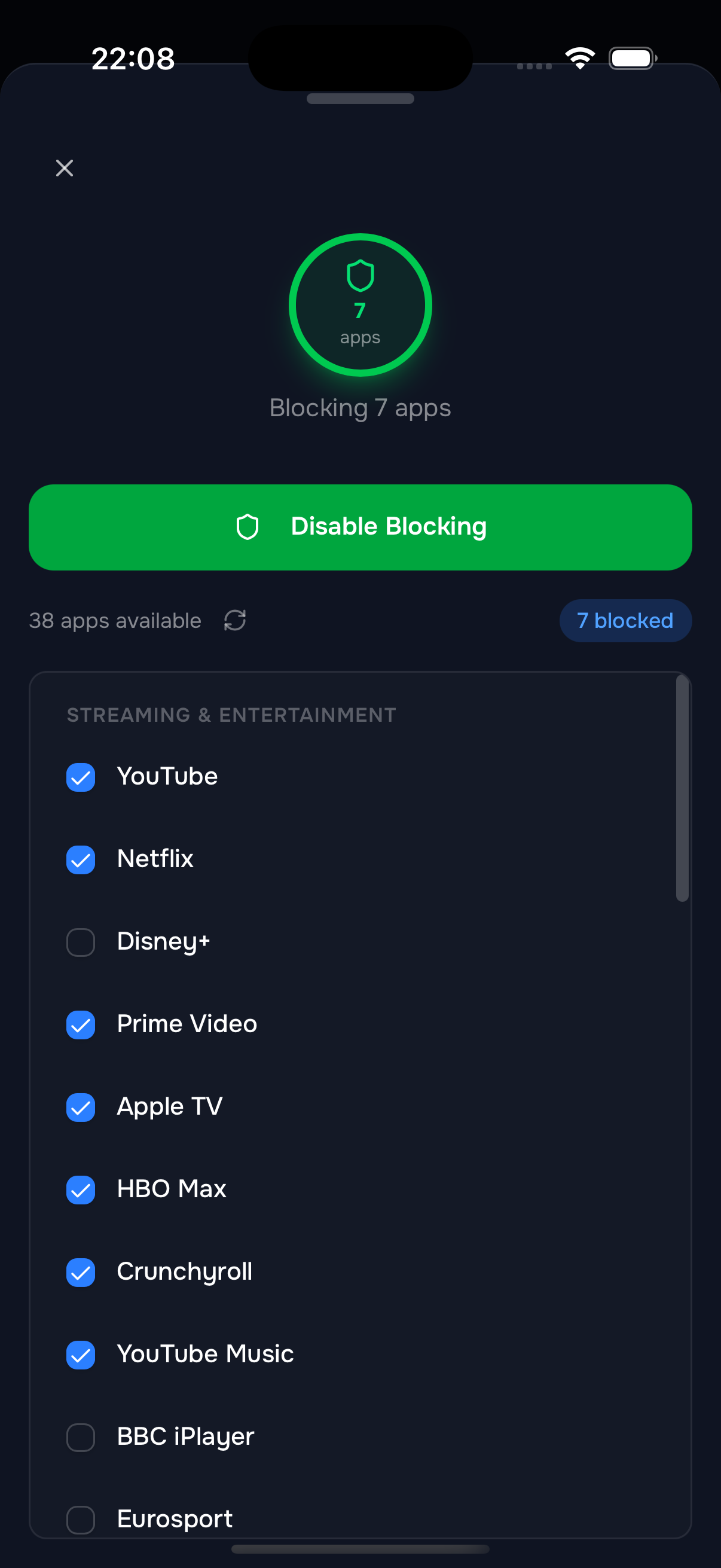
Block Apps Instantly
Allow only the apps you choose
Block YouTube, Netflix, or any app with a single tap. Control exactly which apps your kids can access on the TV. Changes apply instantly — no reboot needed.
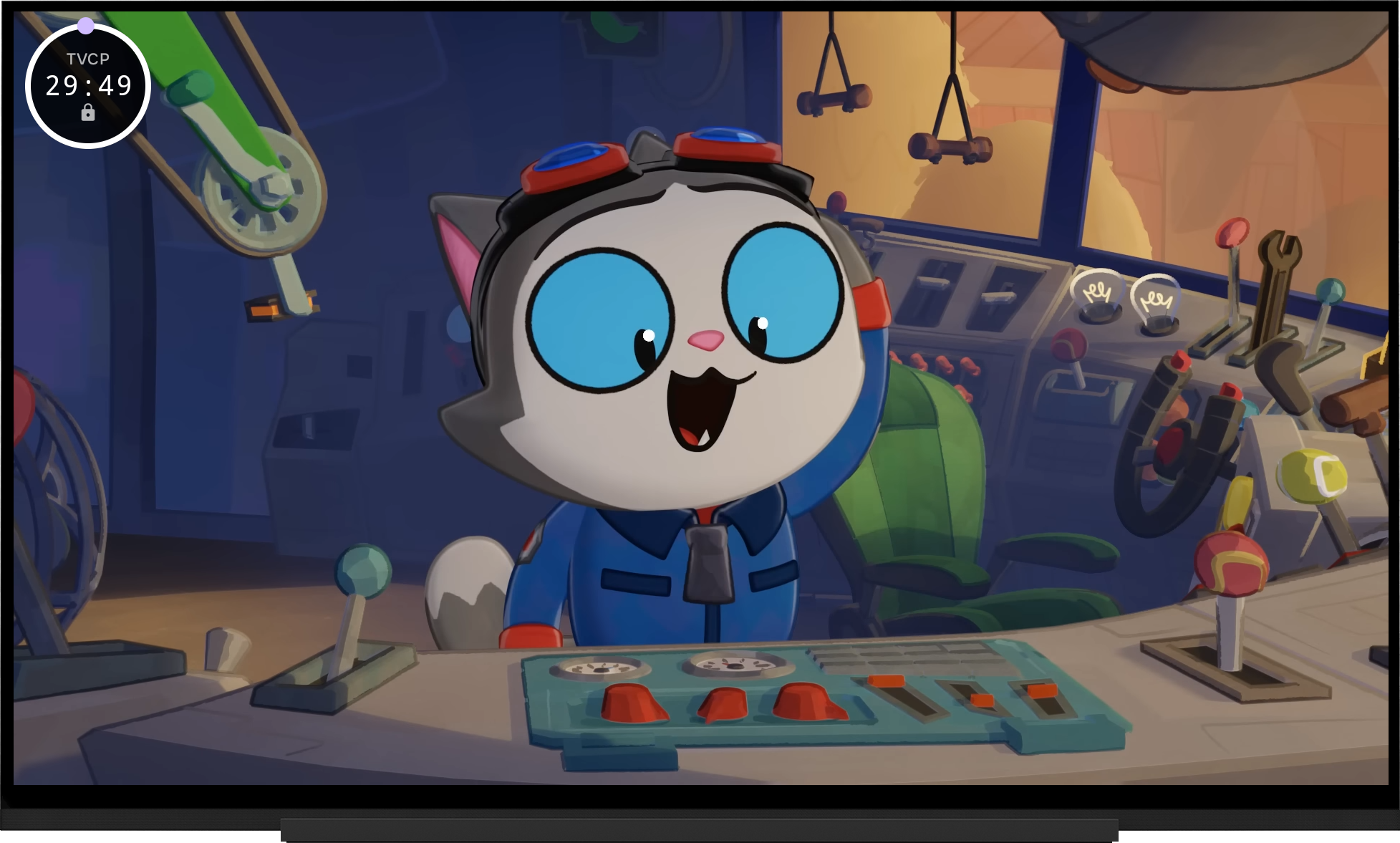
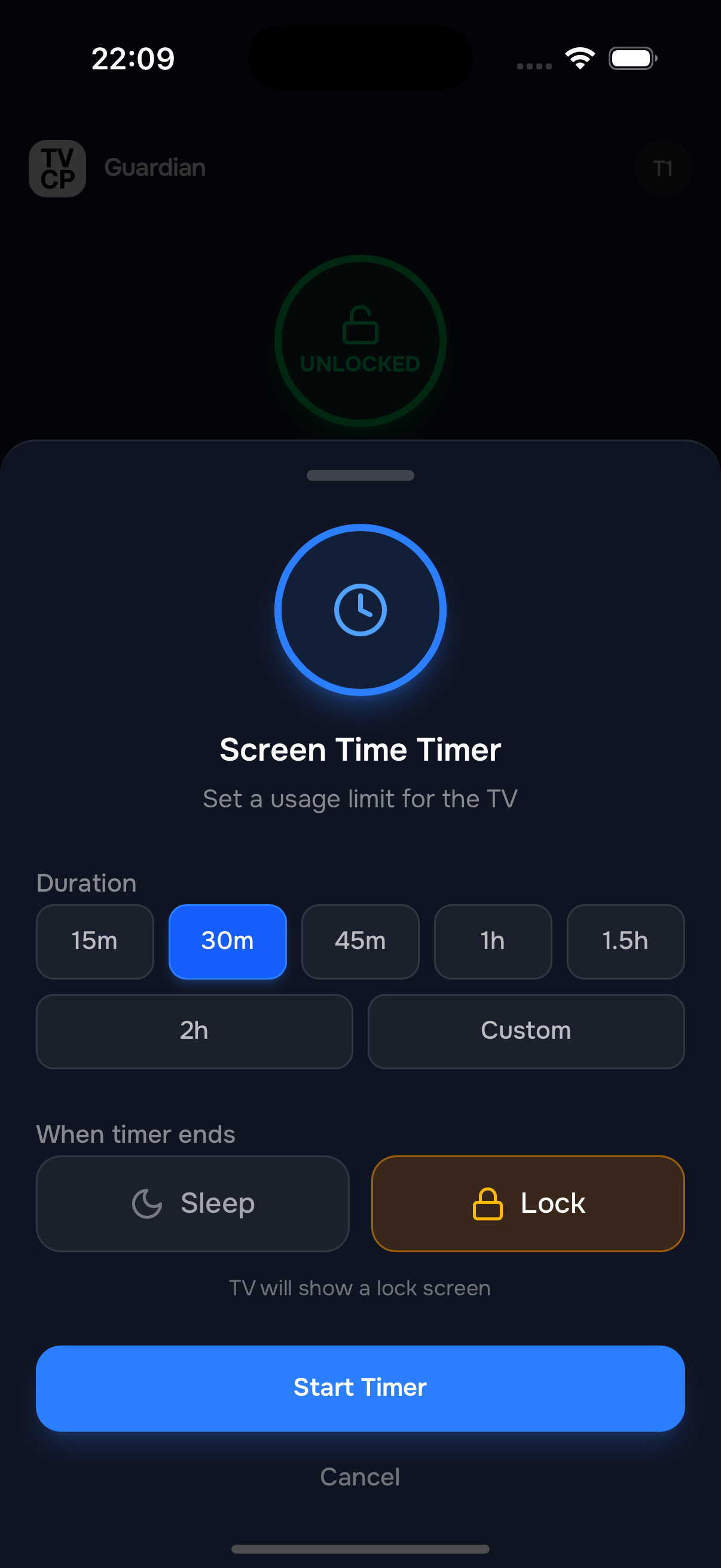
Set Screen Timers
Give any session a time limit
Start a countdown straight from your phone and the TV locks the moment it runs out. Perfect for capping a single session — one more show, then it's off.
Secure With
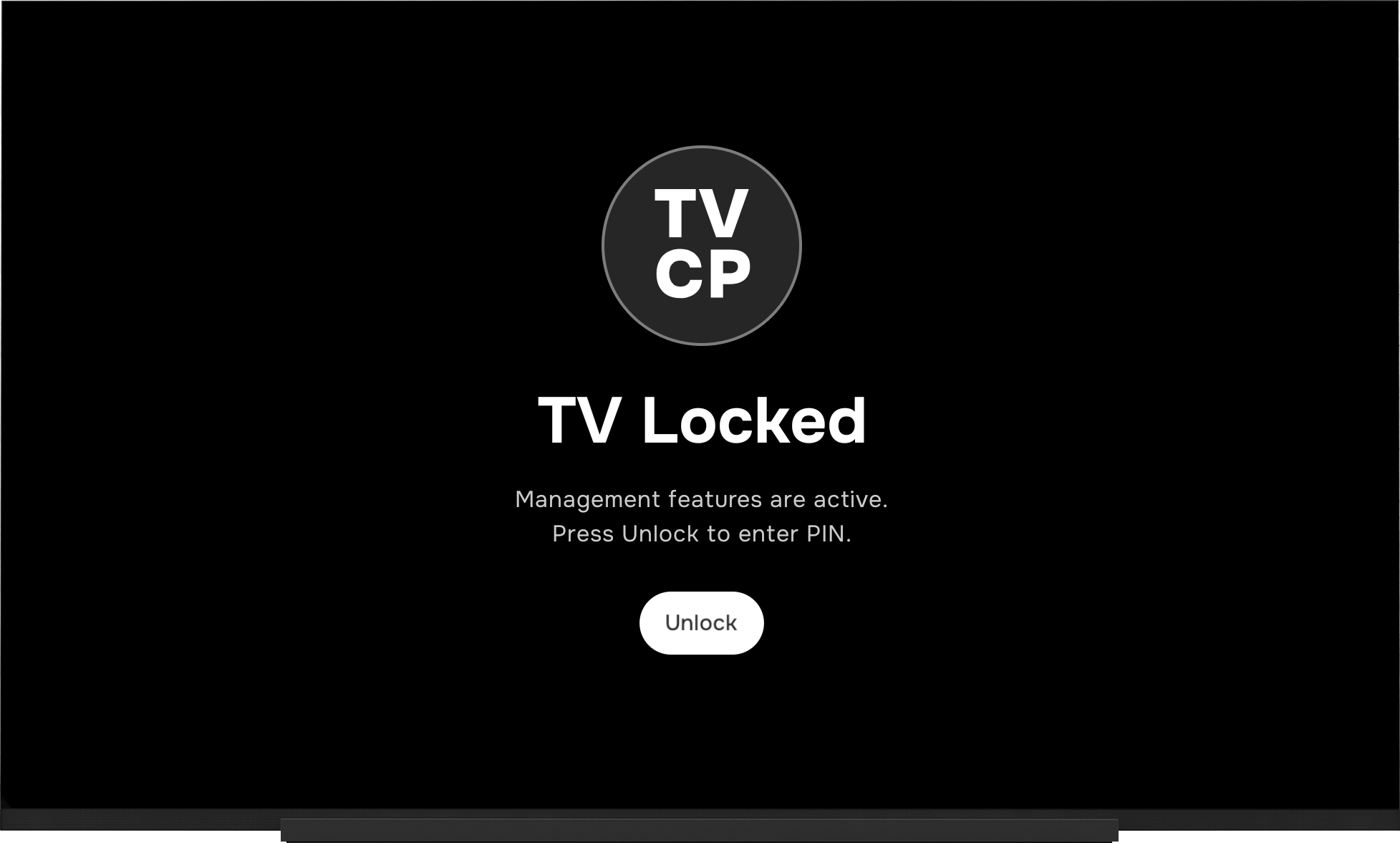
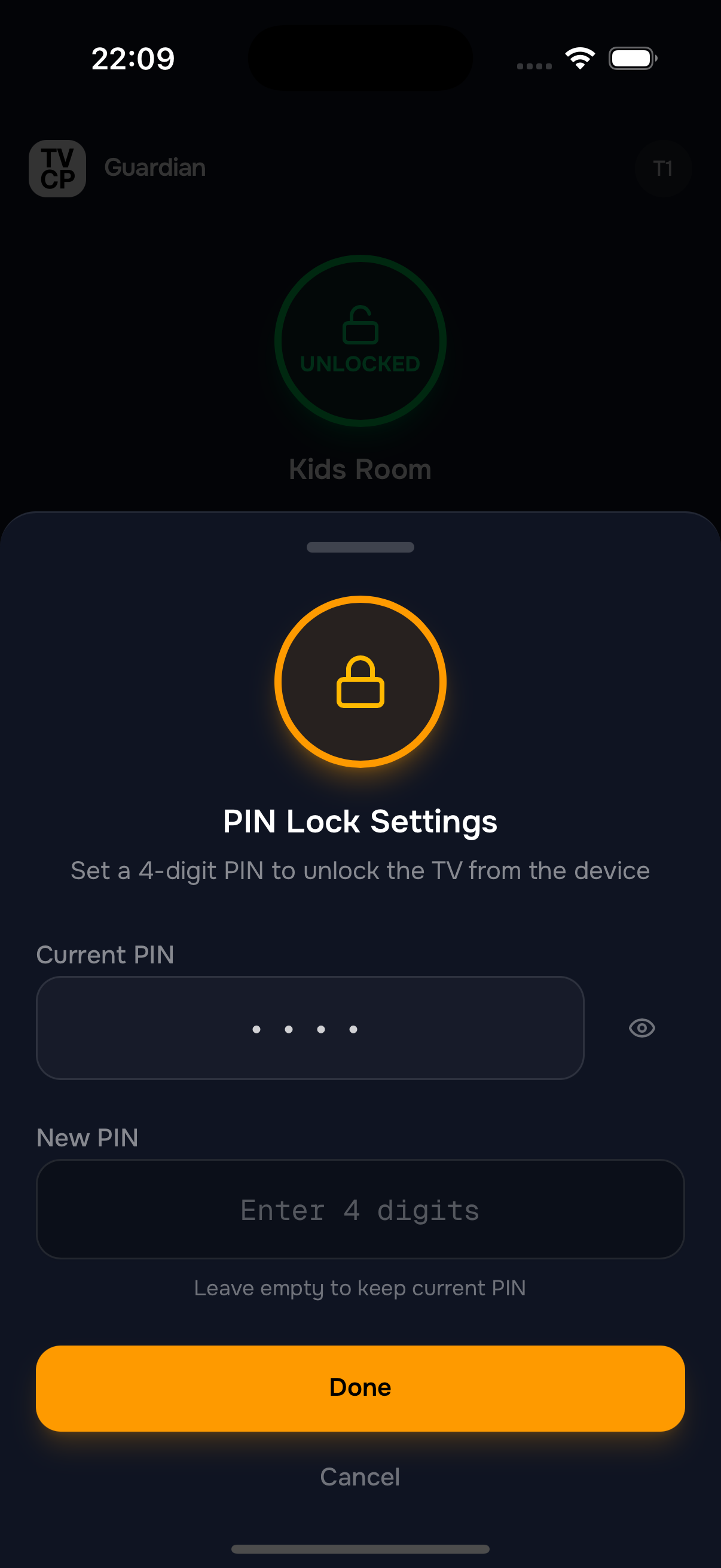
a PIN Lock
Kids can't bypass your settings
Set a 4-digit PIN that locks your parental control settings on the TV. Only you can unlock or change settings — keeping your kids safe and your rules enforced.
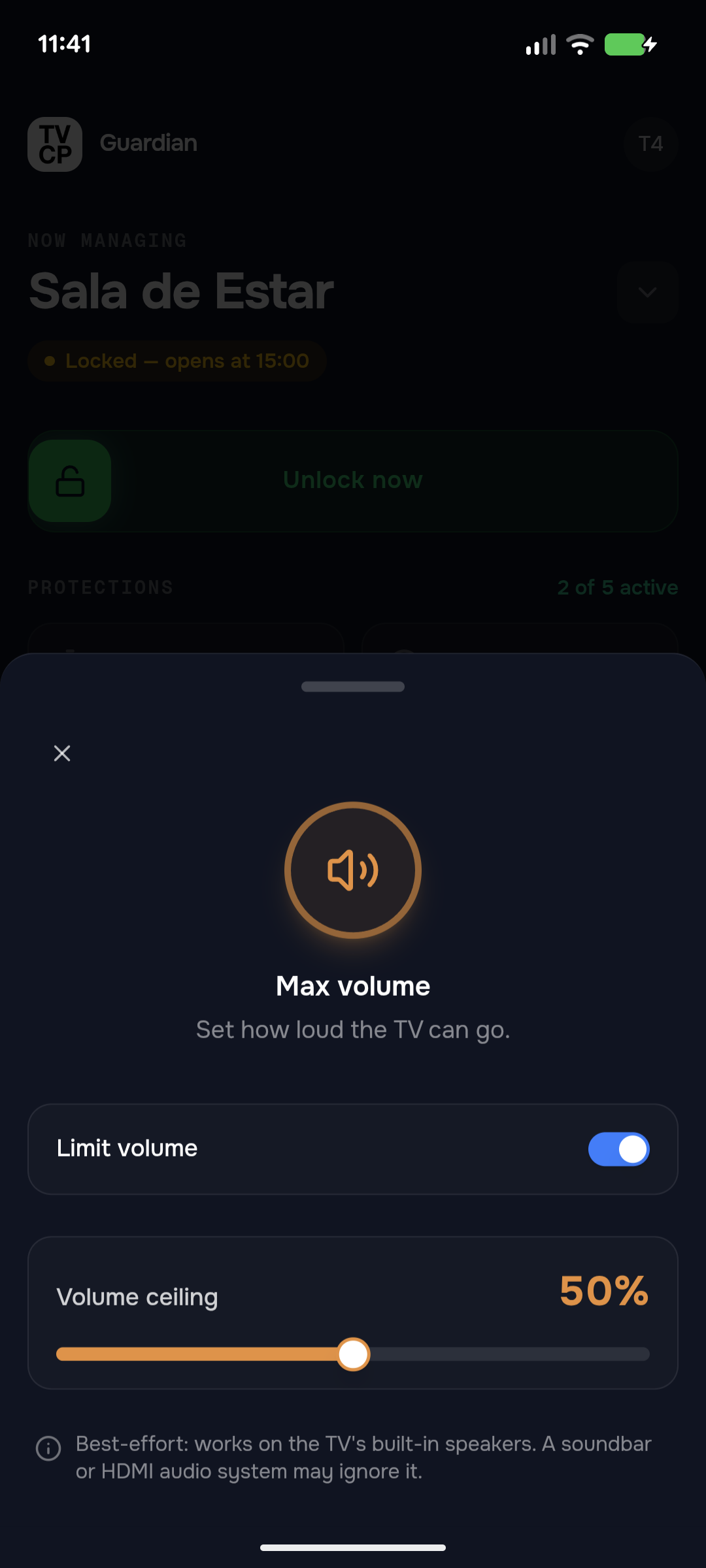
Cap the Volume
So it can't be cranked too loud
Set how loud the TV can go, so it can't be pushed past a level you choose. Works on most TV models.
Pricing
The Price of a Cup of Coffee a Month
One subscription. Every control. Free for the first 7 days.
Monthly
from $2.99 /month
Billed monthly. Cancel anytime.
Yearly
from $19.99 /year
just $1.67/mo · Save 44%
Billed once a year. Cancel anytime.
Everything included
- Screen time limits
- Viewing schedules
- Remote TV lock
- App blocking
- Sleep timer
- Max volume cap
- Guardian remote from anywhere
7-day free trial · then from $2.99/month · cancel anytime
No ads. We don't sell your data.
7 days free for eligible new subscribers. Cancel anytime in your App Store or Google Play account settings.
Prices vary by country. The final local price is always shown by the App Store or Google Play before you subscribe.
Roadmap
What's Coming Next
We're building more powerful tools to help you manage your child's screen time.
Multiple TVs
Pair and manage multiple TVs from one Guardian app. Each TV gets its own rules and settings — or copy them over from another TV.
Now Playing Monitor
See what's currently playing on the TV in real-time. Know exactly what your kids are watching.
Activity Reports
See which apps are being used and for how long. Identify viewing habits at a glance.
FAQ
Frequently Asked Questions
Everything parents ask before getting started.
Is it hard to set up?
Can my kid bypass it?
What TV devices does it work on?
One thing to check: some brands (like TCL and Hisense) also sell TVs that run Roku, Fire TV, or their own software — those won't work. So look for “Google TV” or “Android TV” on the box, or the Google Play Store on the home screen.
It does not work on LG (webOS) or Samsung (Tizen) TVs, on Roku or Amazon Fire TV devices, or on Vizio.
Does it work with YouTube, Netflix, and other apps?
Is my data safe?
What data does the TV app collect?
What if I lose my phone?
How do screen time limits work?
Is TVCP free?
Can I control multiple TVs?
Ready to Take Control?
Download the Guardian app on your phone and the TVCP app on your Android TV. Setup takes less than a minute.
7-day free trial · then from $2.99/month · cancel anytime
No ads. We don't sell your data.